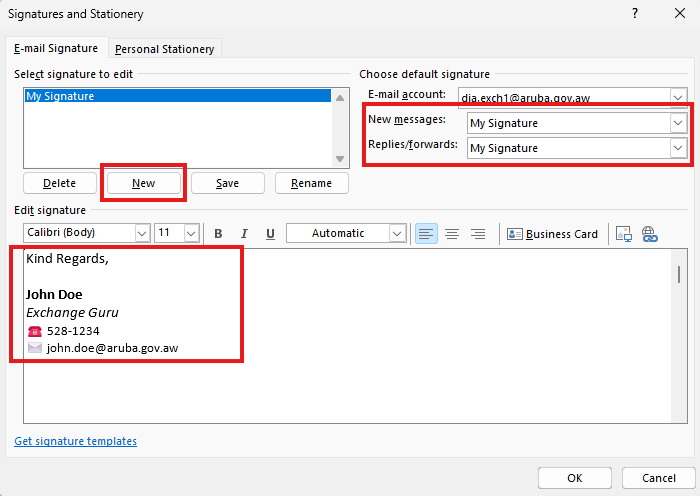
Add Signature
How to add signature in Outlook.
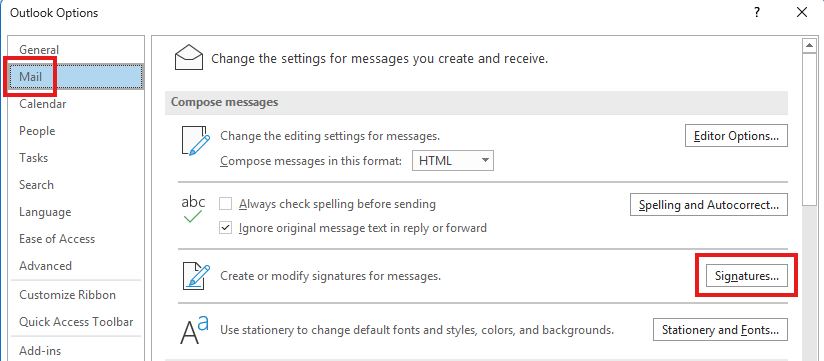
- Open Outlook and go to File
►- Options - In Outlook Options, go to Mail
►- Signature
- In the E-mail Signature tab, click New - give your signature a name - then click OK.
- On the right, choose where you want to use this signature.
- In the text field below is where you Edit signature.
Summary of Steps 3 to 5 in screenshot:
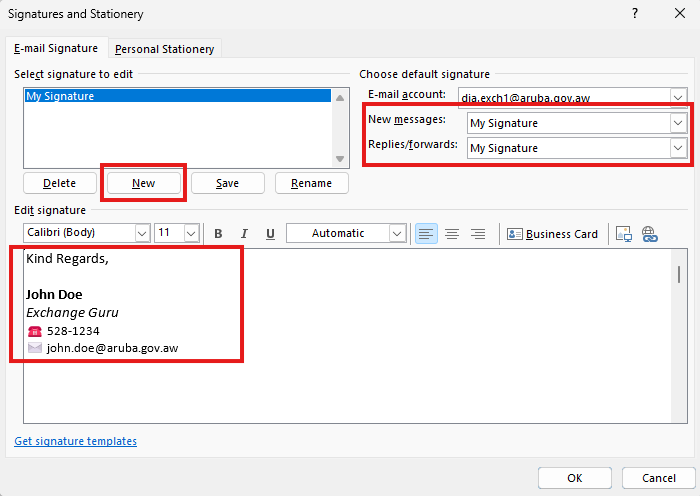
- Click OK when done editing your signature.