How to setup Outlook
-
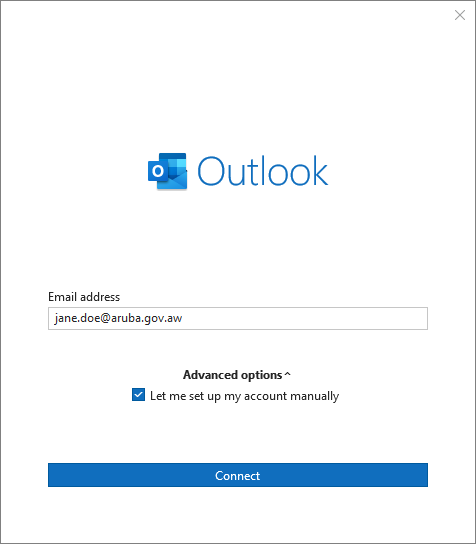
Double click Outlook icon to start. Then enter your email address.
-
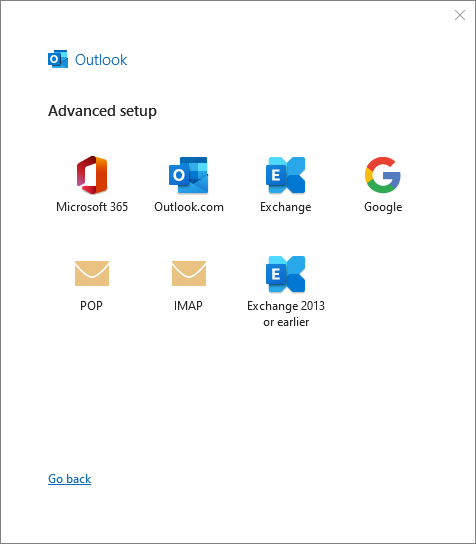
Choose Exchange.
-
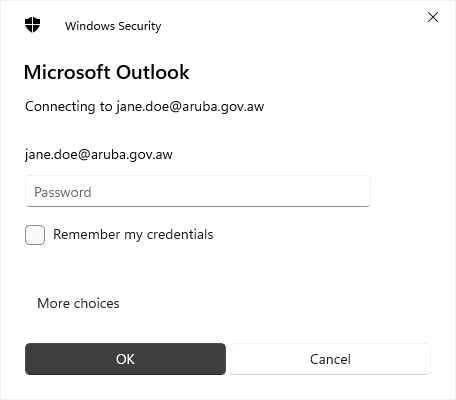
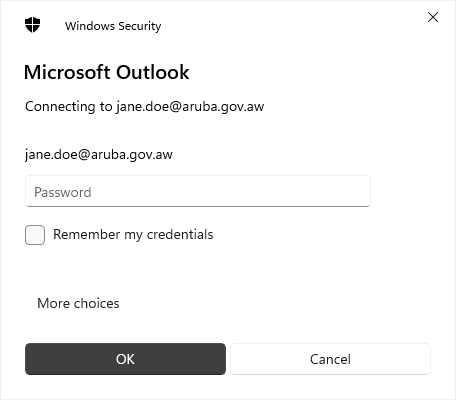
Enter the temporary password provided separately by DIA.
Double click Outlook icon to start. Then enter your email address.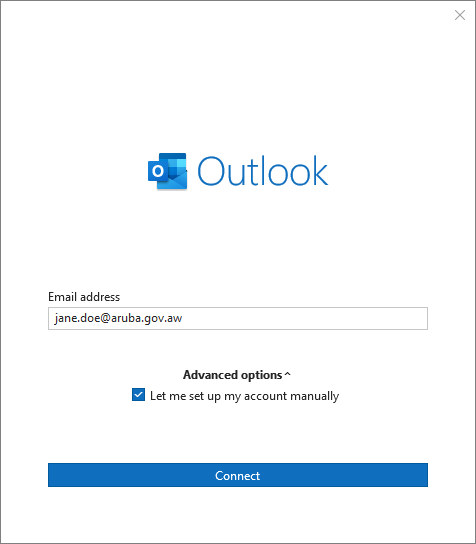
Choose Exchange.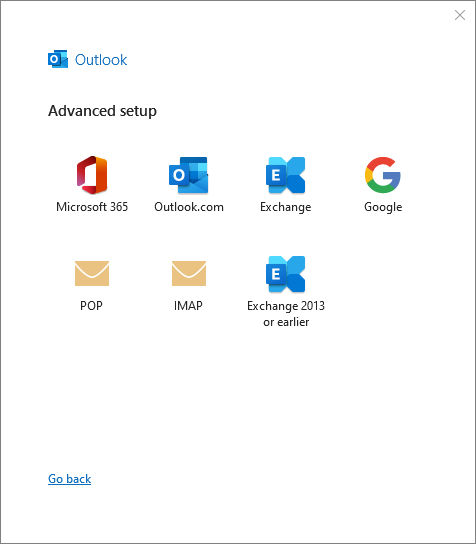
Enter the temporary password provided separately by DIA.