Insert Archive Lotus Notes
If you had an archive of your mails while using the IBM Lotus Notes application, even if there were multiple databases, you can import those files into Outlook Exchange.
DIA has already copied all archives on the computers the last few weeks and converted them one by one into files that can be inserted into Outlook Exchange.
Important: Archives imported into Outlook Exchange can only be viewed in the Outlook application and not in the OWA (via web browser) version.
How to do this:
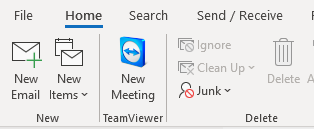
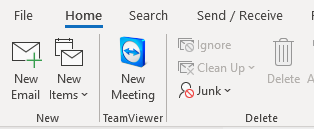
- Open Outlook application, click on "File"
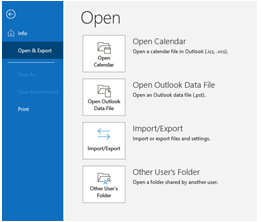
- Click on "Open & Export, in the following windows, click on "Open Outlook Data File"
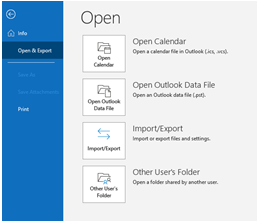
- This will open where you must look for the file (Archive Lotus Notes). Go to your personal folder on the server (H).
- Look for the folder "Outlook Archives", open the folder and choose "Outlook Data File" and click on OK.
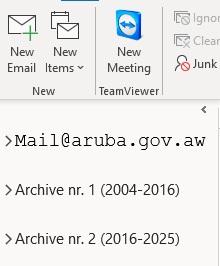
- Now your Archive mails will appear in the left pane under your mailbox.
- You can edit the name file to make it easier to identify, for example: